
VIDEO RUNNING-FORM ANALYSISSee your stride.
See your stride.
Know what to change.
A 10–15 second side-view clip becomes up to six clear form signals and three practical cues for your next run.
No account requiredRaw video stays on your device
SAMPLE RUNCHECKSide view · 12 sec
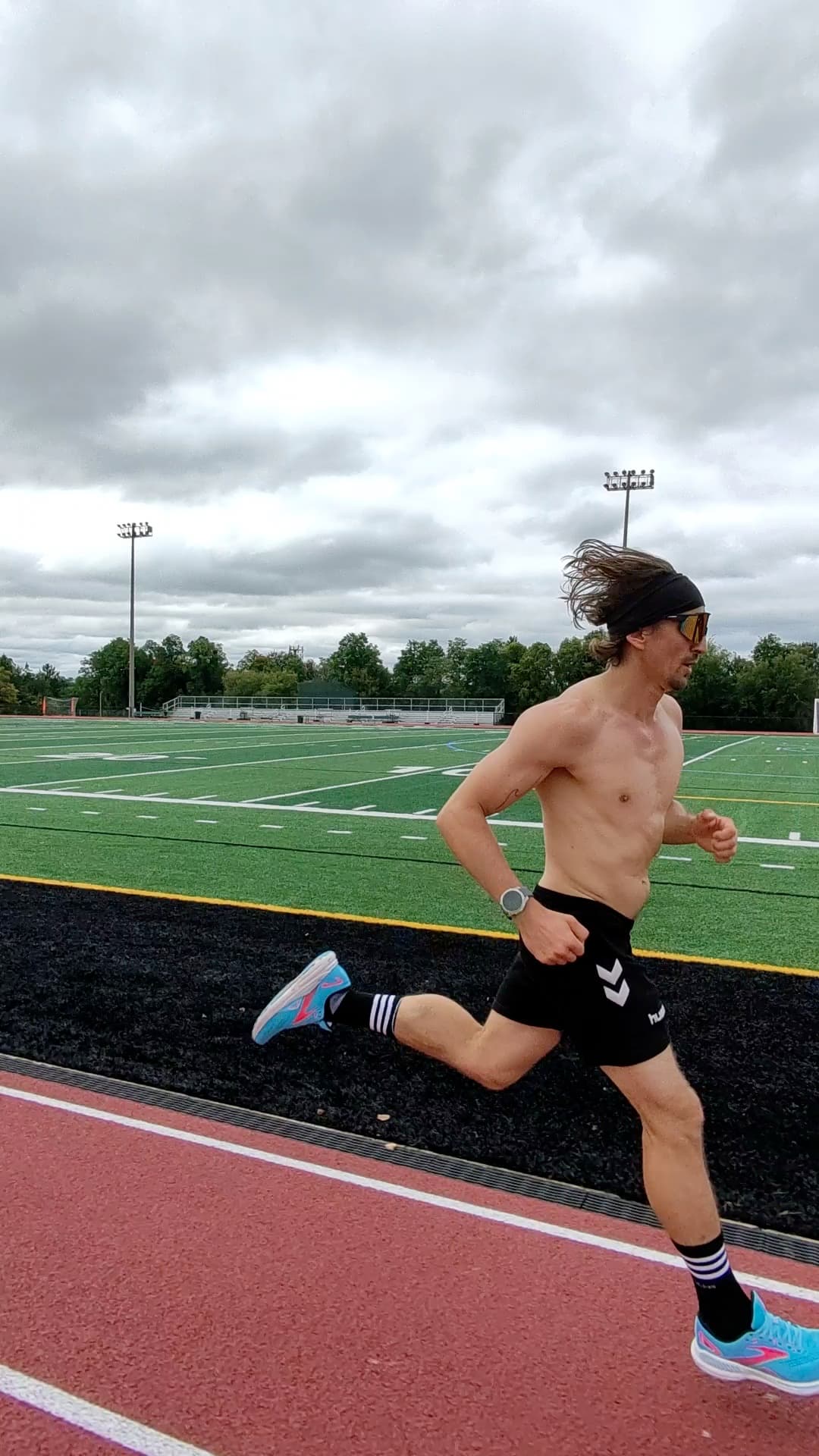
SCOUT

Your next focusKeep the foot closer beneath your hips to reduce braking and help the stride flow.
FILM WITH SCOUT
Side view. Full body. Natural stride.
For the clearest result, ask someone to film from the side while following you smoothly. Running alone? Prop the phone at hip height and run past it.
Best: a helper tracks you from the side Keep your full body in frame 10–15 seconds at a natural pace
YOUR RUNCHECK
Start with your run.
Choose the clip first, then give Scout a little context to personalize the coaching.